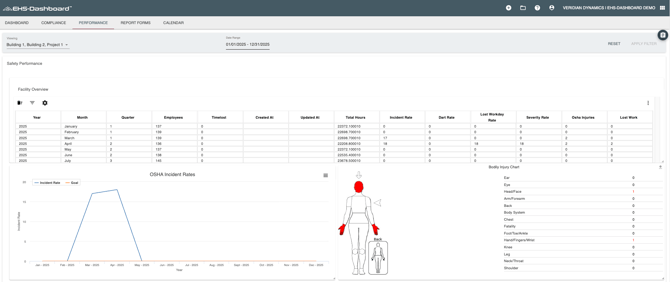
1. Select the "+" symbol in the top right corner of the menu bar

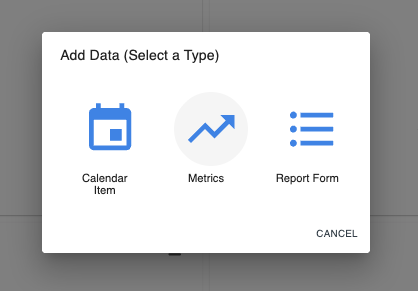
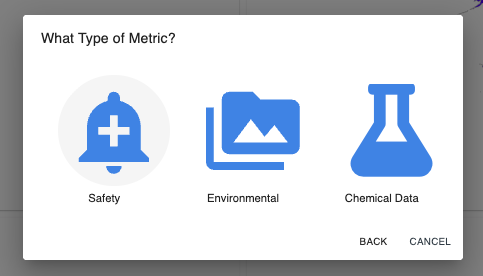
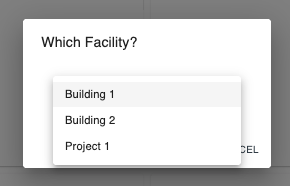
2. From the next 3 pop-up windows select "Metrics", then "Safety", and select your facility from the dropdown menu
3. The Safety Metrics Management table that renders on the next screen allows you to directly enter data under each column for every month of the year. Simply click on the value you would like to change, and it becomes an editable field.

NOTE: Safety Metric graphs will not visualize data unless number of employees has been entered either manually or via a Contact List upload for the month.
4. The Safety Metrics data will be rendered on graphs found by selecting ‘Performance’ at the top of the page, followed by ‘Safety Metrics’
Graphs will display the annual ‘OSHA Incident Rate’ and the ‘annual OSHA Lost Workday Rate’ based upon the Date Range selected in the global filter at the top of the page