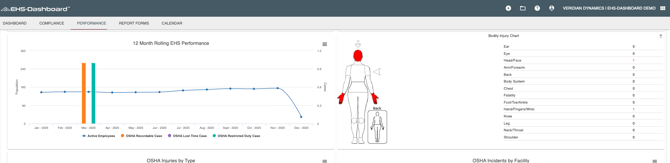
1. Select the "+" icon in the upper right corner of the menu bar

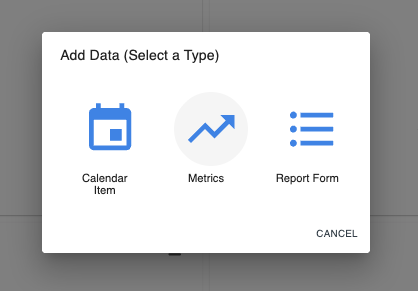
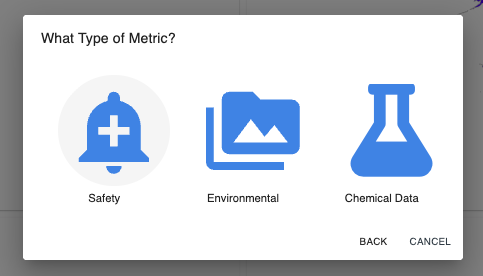
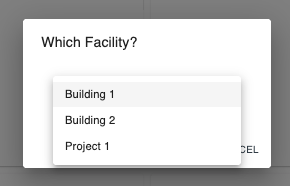
2. From the next 3 pop-up windows select "Metrics", then "Safety", and select your facility from the dropdown menu
3. The Safety Metrics Management table on the next screen allows you to directly enter data under "Employees". Other fields are not editable but will show the data logged from incident tracking forms for every month of the year. Simply click on the employees field to edit the data shown here.

That's it! No need to click save - Simply navigate to "Performance" and then "Safety Metrics" to see your updated employee count in the Safety Metric graphs